右侧边栏
简介
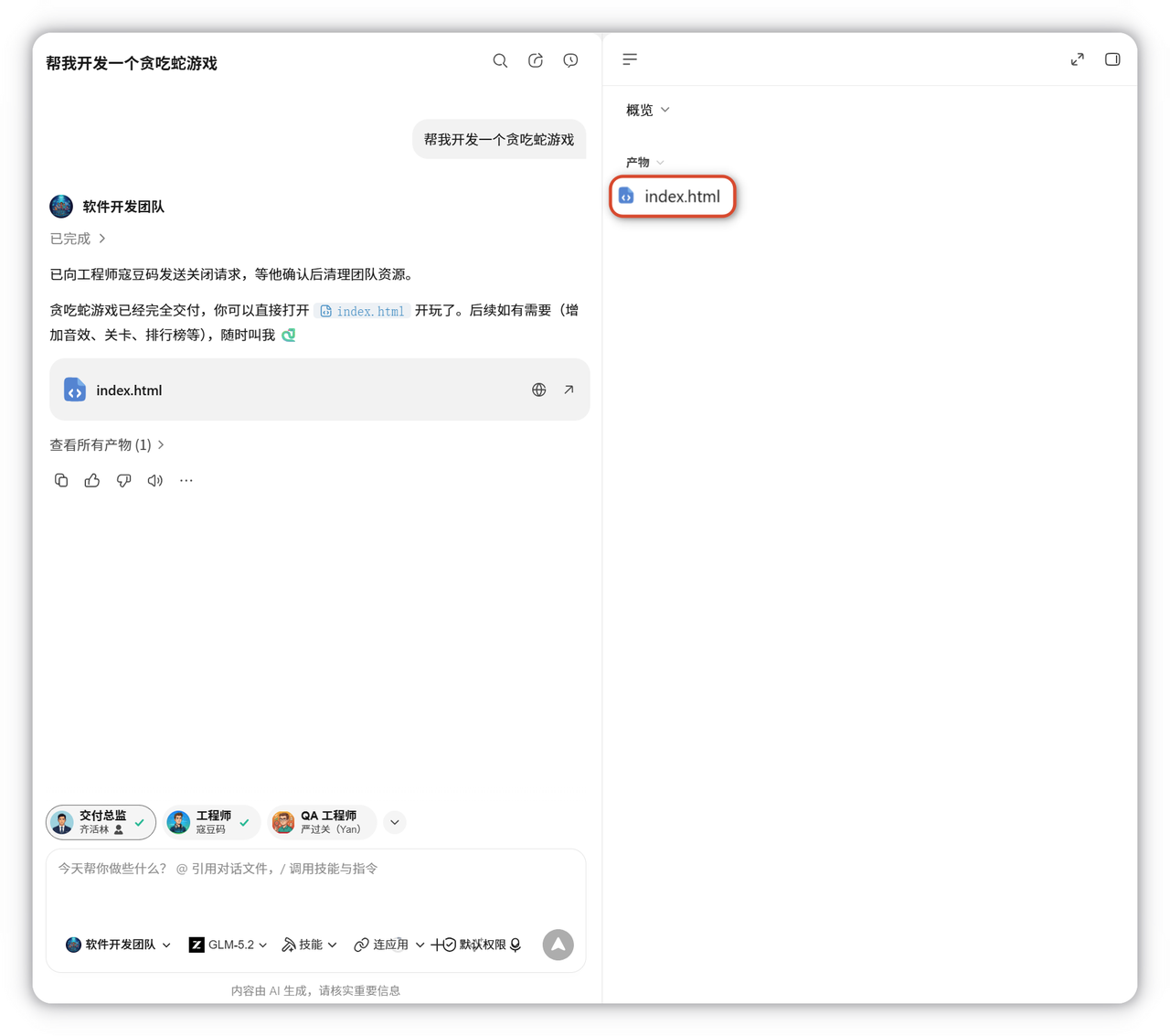
右侧边栏用于查看当前任务的产物、文件、变更和预览内容。任务产生对话后,可从右上角展开该面板。
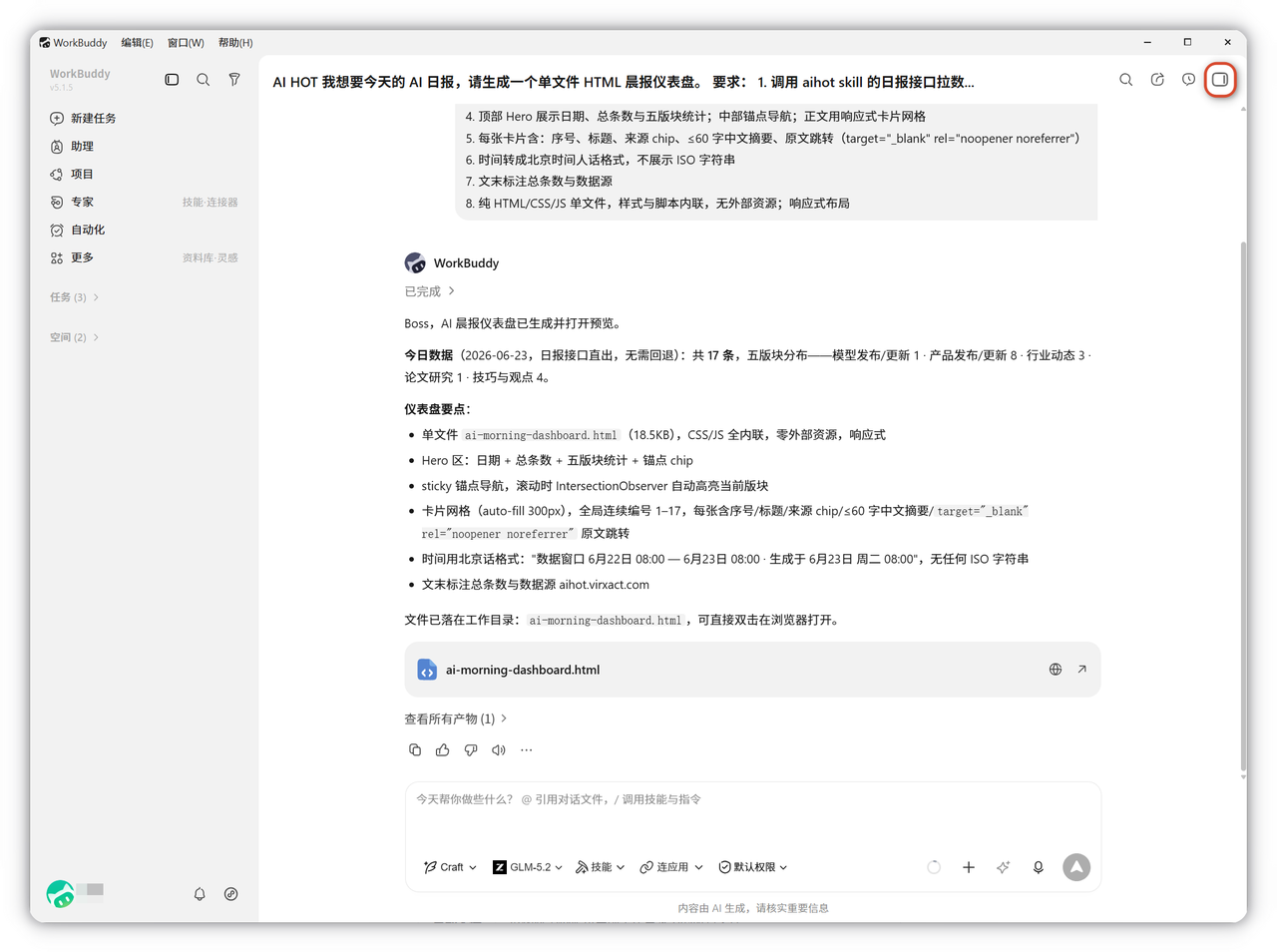
展开后效果,如下图所示:
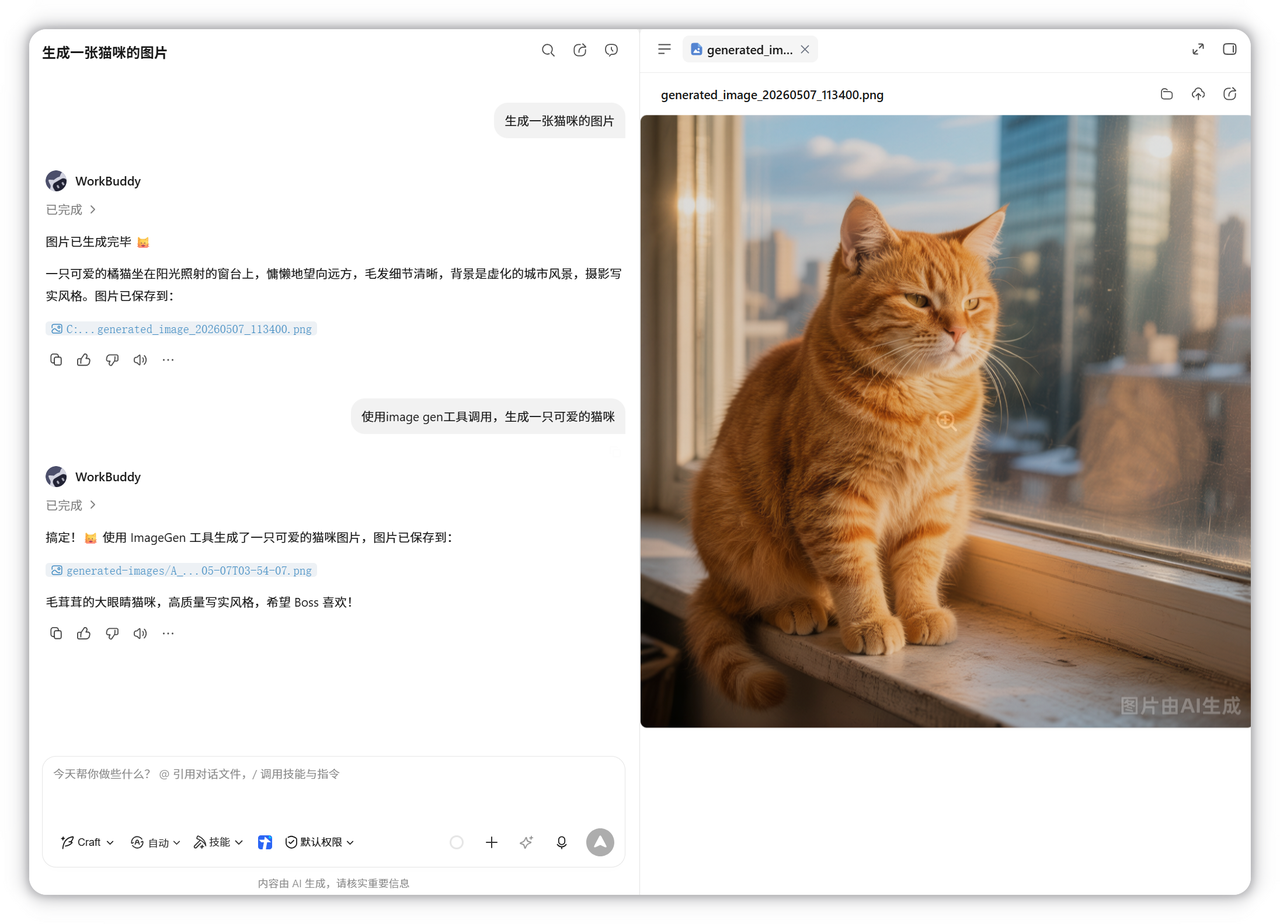
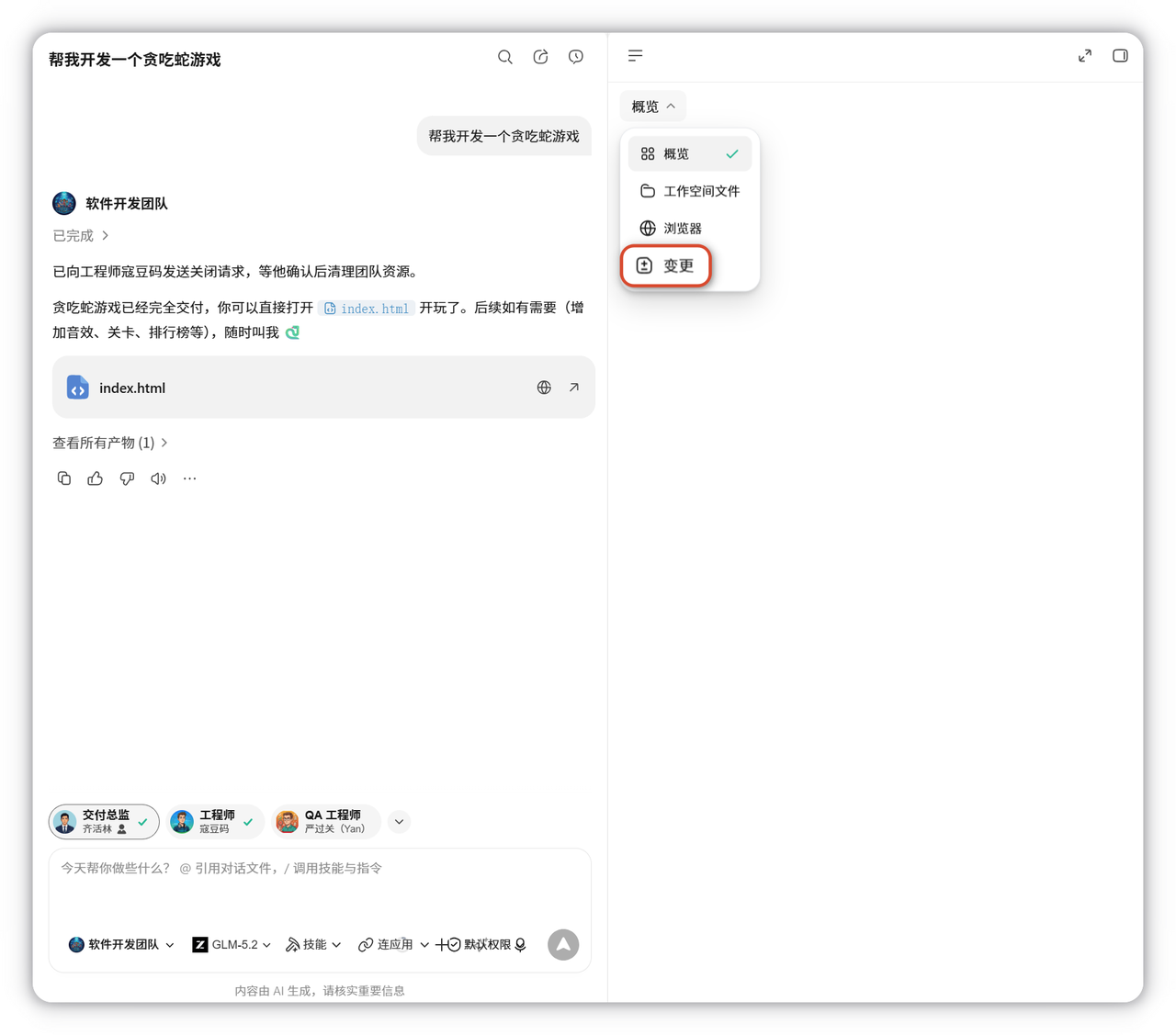
右侧边栏包含以下四个标签页:
#wTTwHmtXrysU text { white-space: pre; }#wTTwHmtXrysU .fb0 { stroke: var(--N900-FG, 0.15); }#wTTwHmtXrysU .fb0 {stroke: rgba(31,35,41, 0.15)}#wTTwHmtXrysU .fx0 { stroke-miterlimit: 10; }#wTTwHmtXrysU .fx0 {stroke-miterlimit: 10}#wTTwHmtXrysU .fa1 { fill: rgb(187, 191, 196); }#wTTwHmtXrysU .fa1 {fill: rgb(187, 191, 196)}#wTTwHmtXrysU .fx1 { font: 400 12px MonospacedNumber, LarkHackSafariFont, LarkEmojiFont, LarkChineseQuote, -apple-system, BlinkMacSystemFont, "Helvetica Neue", Tahoma, "PingFang SC", "Microsoft Yahei", Arial, "Hiragino Sans GB", sans-serif, "Apple Color Emoji", "Segoe UI Emoji", "Segoe UI Symbol", "Noto Color Emoji"; }#wTTwHmtXrysU .fx1 {font-style: normal}#wTTwHmtXrysU .fx2 { text-anchor: middle; }#wTTwHmtXrysU .fx2 {text-anchor: middle}#wTTwHmtXrysU .fx3 { dominant-baseline: central; }#wTTwHmtXrysU .fx3 {dominant-baseline: central}#wTTwHmtXrysU .fx4 { stroke: none; }#wTTwHmtXrysU .fx4 {stroke: none}#wTTwHmtXrysU .fc0 { fill: var(--text-caption); }#wTTwHmtXrysU .fc0 {fill: #646a73}#wTTwHmtXrysU .fa2 { fill: var(--text-link-disabled); }#wTTwHmtXrysU .fa2 {fill: rgb(187, 191, 196)}#wTTwHmtXrysU .fa3 { fill: rgb(246, 246, 247); }#wTTwHmtXrysU .fa3 {fill: rgb(246, 246, 247)}#wTTwHmtXrysU .fx5 { font: 400 14px MonospacedNumber, LarkHackSafariFont, LarkEmojiFont, LarkChineseQuote, -apple-system, BlinkMacSystemFont, "Helvetica Neue", Tahoma, "PingFang SC", "Microsoft Yahei", Arial, "Hiragino Sans GB", sans-serif, "Apple Color Emoji", "Segoe UI Emoji", "Segoe UI Symbol", "Noto Color Emoji"; }#wTTwHmtXrysU .fx5 {font-style: normal}#wTTwHmtXrysU .fx6 { text-anchor: start; }#wTTwHmtXrysU .fx6 {text-anchor: start}#wTTwHmtXrysU .fx7 { dominant-baseline: alphabetic; }#wTTwHmtXrysU .fx7 {dominant-baseline: alphabetic}#wTTwHmtXrysU .fc1 { fill: rgb(103, 103, 108); }#wTTwHmtXrysU .fc1 {fill: rgb(103, 103, 108)}#wTTwHmtXrysU .fc2 { fill: rgb(60, 60, 67); }#wTTwHmtXrysU .fc2 {fill: rgb(60, 60, 67)}#wTTwHmtXrysU .fb1 { fill: var(--N900-FG, 0.15); }#wTTwHmtXrysU .fb1 {fill: rgba(31,35,41, 0.15)}#wTTwHmtXrysU .fb2 { fill: rgb(226, 226, 227); }#wTTwHmtXrysU .fb2 {fill: rgb(226, 226, 227)}#wTTwHmtXrysU .fa4 { fill: var(--bg-body); }#wTTwHmtXrysU .fa4 {fill: #fff}AB12345标签页功能产物工作空间文件变更浏览器查看当前对话中新生成的文件(PPT、PDF、文档等),支持直接预览以树状结构展示当前工作目录下的所有文件记录 AI 对文件的修改,支持差异对比查看新增、删除和修改内容内置浏览器直接预览开发中的网页,无需唤起外部浏览器
一、产物
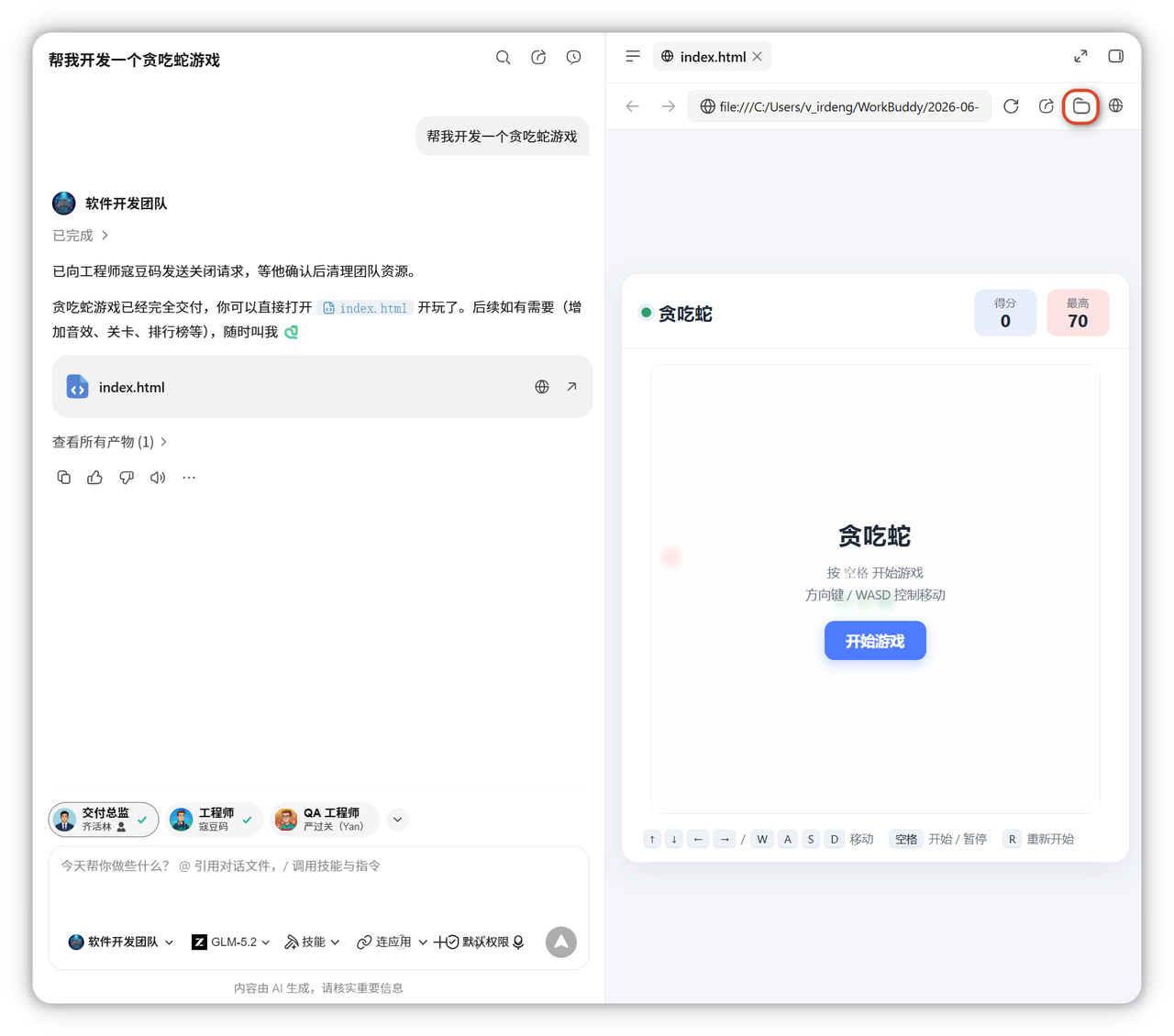
展示当前对话中新生成的文件,点击可查看任务列表及生成内容。
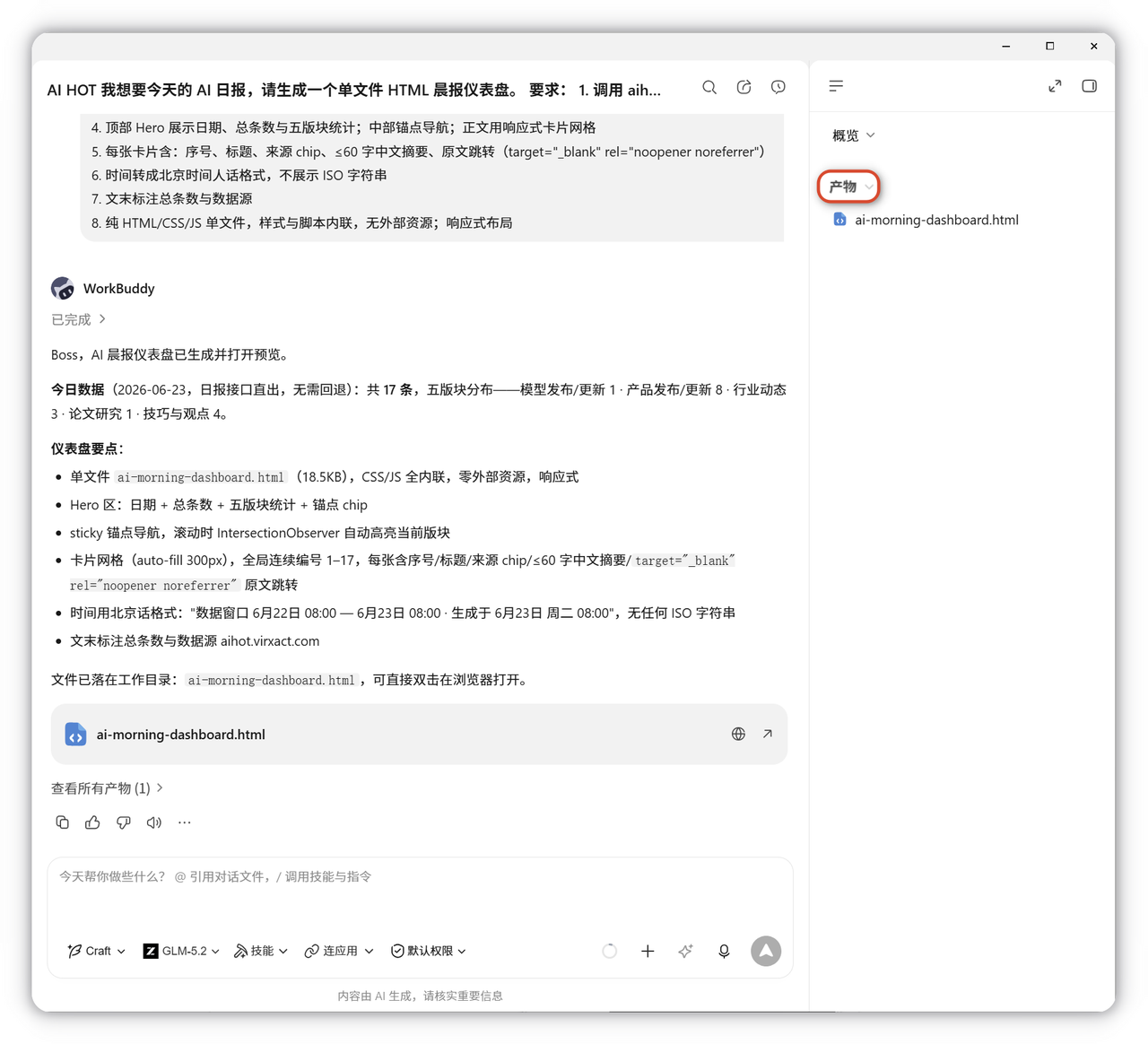
点击 文件夹图标 可在系统文件管理器(macOS Finder / Windows 文件资源管理器)中打开文件所在位置。
二、工作空间文件
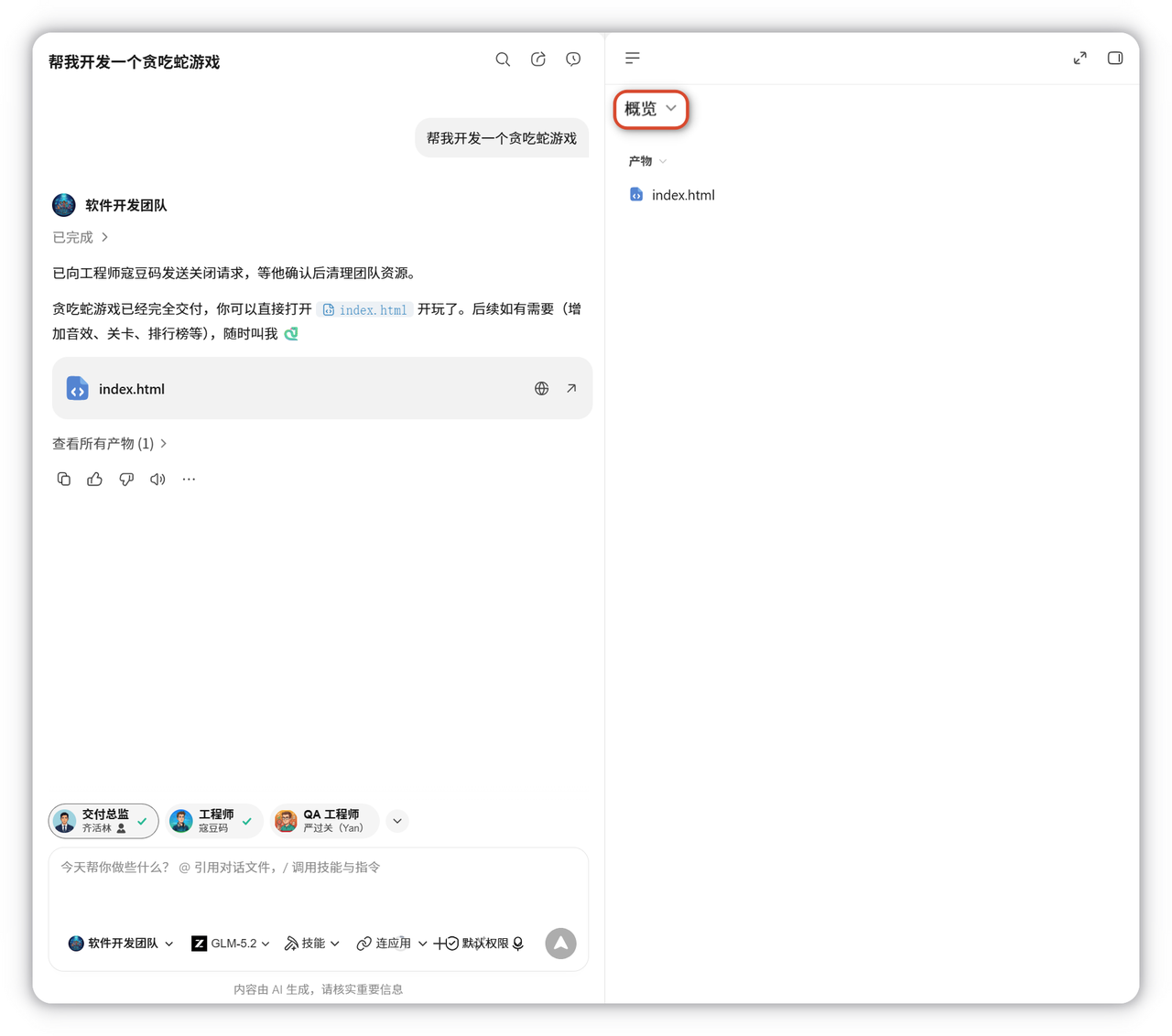
以树状结构展示当前工作目录下的所有文件,便于直接浏览。
三、变更
记录 AI 对文件的所有修改,展开可查看具体变更文件,通过差异对比快速确认改动。
四、浏览器
直接预览开发中的网页,无需切换到外部浏览器。